
Paper Reading
How to use the NNScholar desktop Paper Reading module, with screenshot guidance and completion checks.
Paper reading is for deep PDF work. Use it when a paper needs page-level inspection, translation, document-grounded Q&A, or close reading before it can support a claim.
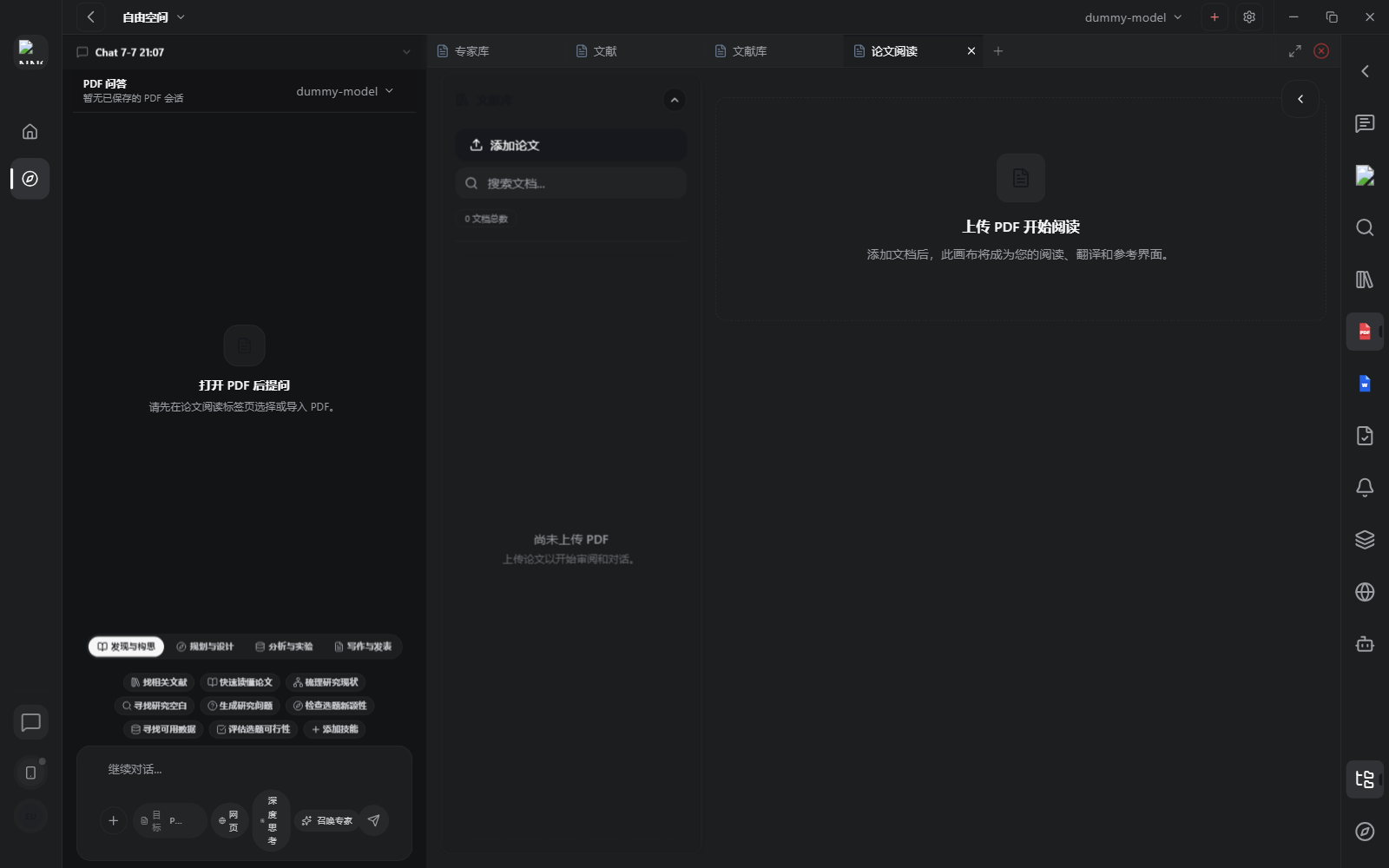
When it opens, you see the PDF reading entry point, upload or document selection area, and actions for PDF Q&A or translation. The user has moved past discovery here: the job is to understand a specific paper and bring verified evidence back to synthesis or writing.
Use Paper reading for:
- uploading or opening a PDF inside the workspace
- reading a saved Library paper in context
- translating a document or selected reading target
- asking PDF-specific questions
- extracting methods, cohorts, metrics, limitations, equations, or definitions
- preserving page context for later verification
How to use it:
- Open the PDF from Library, upload a local PDF, or open a PDF artifact.
- Confirm the document target before asking questions, especially when multiple PDFs are open.
- Use focused prompts: ask for one section, table, method, endpoint, or claim at a time.
- Use translation when the paper language slows reading, but keep key terms and page references visible.
- Move verified PDF evidence or extracted passages into Chat or Document Writing only after the page context is clear.
Before leaving Paper reading, check that evidence excerpts include page numbers, table or figure labels when relevant, and enough citation context to verify the claim later.
Example Demo
Scenario: you open a PCAT prognosis paper from Library and need to decide whether it supports a Discussion section.
Ask the PDF:
Summarize this paper's population, sample size, main outcomes, and statistical model.
Which results can support my Discussion section? Include page numbers or table labels.
NNScholar should answer from the current PDF instead of giving a generic topic explanation. Save the page-grounded findings as PDF evidence, then move them into Chat for synthesis or Document Writing for manuscript support.
Next Step
Return to the right-rail module overview, or move the current output into the next module in the workflow.