
Deliverables
How to use the NNScholar desktop Deliverables module, with screenshot guidance and completion checks.
Deliverables is the inspection area for completed or generated research outputs. Use it when you need to find, preview, download, or trace generated artifacts.
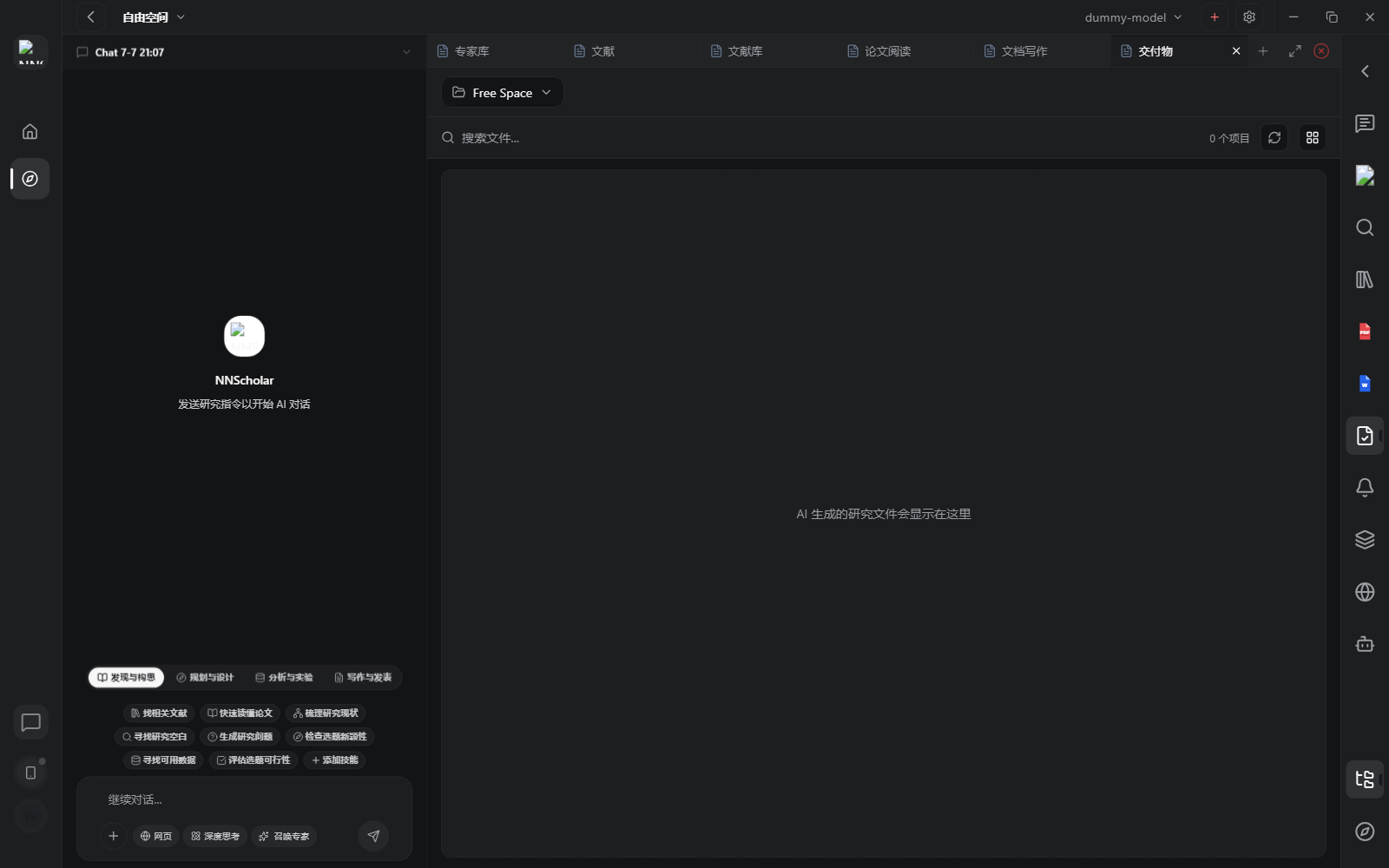
When it opens, you see generated files, previews, and provenance actions. Treat it as the review desk for research outputs: the user should be able to tell what a file is, where it came from, and whether it is ready to use or share.
Use Deliverables for:
- reviewing agent-generated files
- previewing images, PDFs, tables, text files, or research outputs
- grouping artifacts by path or source
- opening the source conversation that produced an artifact
- revealing files locally or downloading them for external use
- checking provenance before sharing or citing an output
How to use it:
- Open Deliverables after an agent run, writing task, analysis, or export.
- Filter or group artifacts so you are not reviewing unrelated files together.
- Preview the artifact before using it.
- Open the source conversation or provenance when the file contains claims, tables, or generated analysis.
- Reveal or download only the artifact you actually intend to use.
Before leaving Deliverables, check the artifact purpose, source trail, file preview, and whether it is final, draft, or evidence that still needs review.
Example Demo
Scenario: Chat generated an evidence table and Document Writing generated a manuscript draft, and you need to decide what can be shared with collaborators.
How to run it:
- Open Deliverables and review recent tables, drafts, figures, or zip files.
- Preview each file and check its title, version, and source task.
- For important files, open the source context and trace it back to the Chat task, PDF evidence, or manuscript workflow.
- Download or share only after the source trail is clear.
At completion, you should be able to answer: where did this file come from, which papers support it, and is it ready to share?
Next Step
Return to the right-rail module overview, or move the current output into the next module in the workflow.